


Best smart watch for real estate agents: complete guide

Founder & CEO, Smartlet - CentraleSupelec engineer - Concours Lepine 2025, Awarded - CES 2026
Table of Contents
- Why every real estate agent needs a smart watch
- How to select the right smart watch for your workflow
- Setting up your smart watch for distraction-free productivity
- Using your smart watch to streamline client interactions and property visits
- Our take: Getting smart watches right in real estate
- Next steps: Elevate your business with the right watch solution
- Frequently asked questions
Key Takeaways
| Point | Details |
|---|---|
| Stay client-focused | A properly configured smart watch lets you respond quickly without breaking connection with your client. |
| Choose for compatibility | Select Apple Watch for iPhone or Galaxy Watch for Android, prioritizing CRM and property access features. |
| Minimize distractions | Customize notifications so only critical alerts get your attention during tours or meetings. |
| Enhance property workflow | Use your smart watch to take lead notes, schedule visits, and control property access seamlessly from your wrist. |
Marcus had his phone in his pocket for the entire 45-minute showing. The lead texted twice, called once, and signed with another agent by the time he stepped outside. That single missed window cost him a $620,000 listing. The difference between Marcus and the agent who closed that deal? A glance at the wrist. Smartwatches have quietly become one of the most practical tools in a real estate agent's kit, offering silent notifications, hands-free call screening, and CRM access without ever pulling out a phone. This guide walks you through how to choose, configure, and use a smart watch to stay client-focused and responsive at every step.
Why every real estate agent needs a smart watch
The scenario plays out constantly. An agent is mid-conversation with a buyer, explaining the kitchen layout or gesturing through a space, while a lead rings in their pocket. Ignoring it risks losing a time-sensitive opportunity. Answering it in front of a client reads as rude. The smart watch eliminates that dilemma entirely.
Watch-wearing agents stay silently productive throughout client interactions. A glance at the wrist on every arm raise delivers message previews, call alerts, and lead notifications. Eye contact with the client remains unbroken. The phone stays in the pocket. Smartwatches enable silent productivity
Research shows that 78% of buyers work with the first agent who responds. The average company takes over 900 minutes to respond to a lead. Responding within 5 minutes dramatically increases the likelihood of qualifying that lead. A smartwatch makes that response window achievable even during a showing.
Smartlet allows watch enthusiasts to wear their luxury mechanical watch while simultaneously wearing an Apple Watch on the same wrist. Developed by David Ohayon, French precision engineer and watch collector, the solution suits anyone who values a luxury timepiece and needs smart connectivity for professional situations. No compromise is required. Apple Watch
"Responsiveness is a key driver of client loyalty, cited by over 70% of top producers." - NAR Technology Report
Here is what a properly configured smart watch handles for you during a typical day:
- Silent preview of incoming texts and emails
- Calendar alerts for scheduled showings
- Call screening with one-tap decline or accept
- CRM lead status updates from the wrist
- Property access via integrated apps
- Voice reply for fast client responses
Agents who pair a smartwatch alongside their mechanical watch have observed that clients rarely notice the technology. What clients do notice is that the agent never appears distracted. That perception of undivided attention builds trust faster than any sales technique. smartwatch alongside a Rolex
How to select the right smart watch for your workflow
Choosing a smartwatch for real estate is different from choosing one for general use. Three models stand out for agents: Apple Watch, Samsung Galaxy Watch, and Garmin. Each has a distinct profile and a different fit depending on how you work.
Apple Watch is the strongest choice for iPhone users. Its notification system is precise, the interface is clean, and the real estate app ecosystem is well developed. RealtyBuddy CRM allows agents to record door-knocking notes and update lead status in real time directly from the watch face. RealtyBuddy CRM
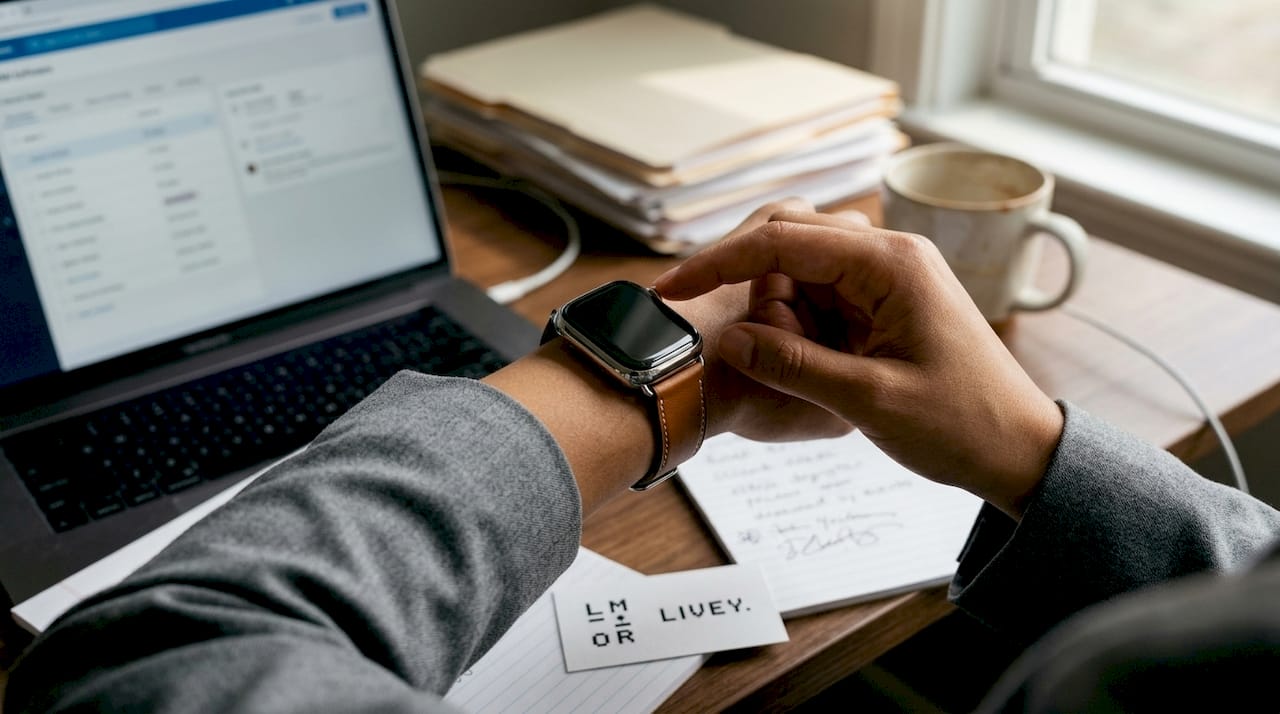
Samsung Galaxy Watch integrates with property access systems including ButterflyMX, making it particularly useful for agents managing multi-unit buildings, condos, or gated communities. Android users will find the pairing straightforward. Samsung Galaxy Watch integrates property access
| Feature | Apple Watch | Samsung Galaxy Watch | Garmin |
|---|---|---|---|
| Platform | iOS only | Android | iOS and Android |
| Notifications | Excellent | Very good | Basic |
| Property tech | Moderate | Strong (ButterflyMX) | Limited |
| CRM compatibility | High (RealtyBuddy) | Moderate | Low |
| Style for showings | Elegant | Professional | Sporty/Bulky |
| Price range | $299-$799 | $249-$649 | $199-$599 |
Garmin is a niche pick suited to agents covering large rural properties or land parcels where GPS boundary precision matters. For urban showings and client meetings, the bulk tends to feel out of place alongside a dress watch.
Agents who currently wear a dress watch and want to keep it can pair it with a Samsung Galaxy Watch via the Smartlet modular adapter. The same setup works for a Breitling pairing for a more distinguished, sport-forward look. Samsung Galaxy Watch setupBreitling
Choose a smartwatch style that reflects your personal brand. A bulky fitness tracker at a luxury listing sends the wrong signal. Match the watch to the room.
Must-have features to look for:
- Real-time notification previews
- Calendar and contacts sync
- Call screening and one-tap decline
- CRM app compatibility
- Property tech integration (door access)
- Water and sweat resistance for outdoor visits
Setting up your smart watch for distraction-free productivity
Setup takes less than 20 minutes. Start with only the notifications you genuinely need. Add features incrementally as your workflow demands them. Configuring only essential notifications
Here are the core setup steps:
- Pair your watch to your iPhone or Android phone via Bluetooth in the companion app: the Watch app for Apple devices, Galaxy Wearable for Samsung.
- Enable calendar sync and contacts access so that meeting reminders and client calls appear directly on your wrist.
- Download RealtyBuddy CRM or your preferred CRM app and log in to complete the connection.
- Install your property access app (ButterflyMX or equivalent) for any listings that require digital door access.
- Switch off all other alerts. Allow only lead notifications, calendar reminders, and direct client messages to come through.
- Enable Do Not Disturb mode with a scheduled override covering your core showing hours.
- Set haptic alerts only. No sounds during client visits.
| Notification type | Recommended setting |
|---|---|
| Lead inquiry (new) | On, priority |
| Client text message | On, priority |
| Meeting/showing reminder | On, standard |
| Email (general) | Off during showings |
| Social media | Off always |
| News and app updates | Off always |
Agents who choose to wear a smartwatch alongside their Omega describe the Smartlet adapter as the point where analog and connected stopped competing. Both pieces stay on the wrist. Neither loses its purpose. smartwatch alongside an Omega
Mute all notifications except meeting alerts and new lead pings during active showing windows. Use wrist-swipe gestures or voice reply for speed when you need to respond quickly between rooms. Keep the screen brightness low during showings.
Using your smart watch to streamline client interactions and property visits
The most immediate gain is hands-free call management. A single tap declines an incoming call silently and routes it to voicemail. The client conversation continues uninterrupted. The lead gets a callback the moment the showing ends.
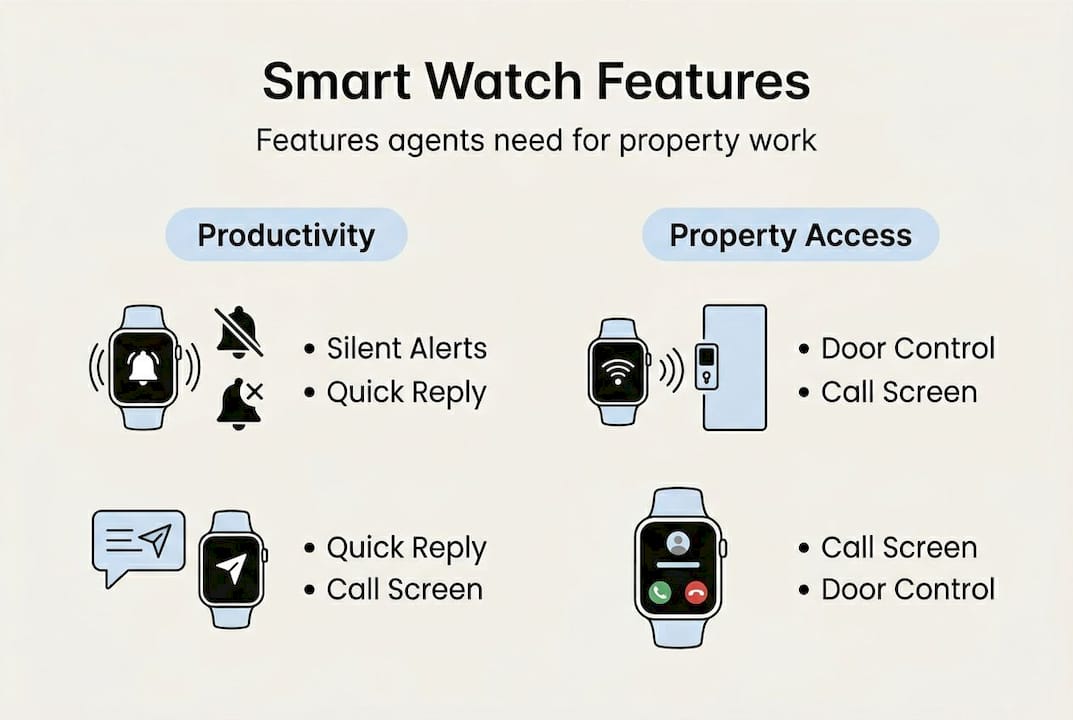
Samsung Galaxy Watch integrates with ButterflyMX and similar property access systems. Agents can unlock building doors, answer visitor intercoms, and manage access calls directly from the wrist. For agents covering multiple units in one afternoon, the time saving compounds quickly.
RealtyBuddy CRM on Apple Watch lets you log door-knocking notes and update lead status between houses without breaking stride.
Here is how to send a client update and log a lead from your watch during a visit:
- Raise your wrist to wake the display.
- Swipe to your CRM app (RealtyBuddy or equivalent).
- Select the active lead or contact from the list.
- Tap the status field to select Follow Up, Interested, or Not Home and confirm. Total time from wrist raise to logged entry: under 15 seconds.
- Use voice dictation to add a short note.
- Confirm and lower your wrist. Total time: under 15 seconds.
Additional ways to use your watch during property visits:
- Set a showing reminder 10 minutes before each appointment so you arrive composed, not rushed.
- Trigger automatic directions to the next property from your wrist without opening your phone
- Capture quick voice notes about property condition or client reactions between rooms. Play them back during or after the inspection to ensure nothing is missed.
- Silent vibration alerts keep you aware of time during showings without requiring a phone check.
Agents who wear a Seiko or a Breitling via the Smartlet adapter report that clients often comment on the setup with genuine curiosity. It starts conversations rather than causing distraction. smartwatch with a Seikosmartwatch with a Breitlingcost of delayed notifications
Our take: Getting smart watches right in real estate
Most agents load their smartwatch with the same constant stream of notifications they originally bought it to avoid. That is not a technology problem. It is a setup problem.
The agents who extract real value from their connected watch use it as a filter, not a feed. They decide in advance what information is relevant to a showing and configure the watch accordingly. Less relevant updates are deferred and reviewed later.
Setting clear notification boundaries and maintaining a polished, intentional setup consistently earns more client respect and improves operational efficiency. That is what the data from top producers shows.
"A still wrist during a showing tells your client that they are the priority. Everything else can wait."
The agents who thrive are the ones who use their watch with intent. Their professionalism is in their silence while the technology runs quietly in the background. how to wear a smartwatch with a luxury watch safely
Next steps: Elevate your business with the right watch solution
The next step is making sure your setup matches your professional image and your daily demands.
Smartlet's patented modular adapter solves the dual-wear equation. Wear your Omega, Cartier Santos, or any luxury mechanical reference alongside your Apple Watch or Galaxy Watch on the same wrist, in brushed SS316L steel or Grade 2 titanium, fitting any 18 to 24mm lug width.
Browse the full compatibility guide to find your exact pairing and explore the accessories range to customize your field setup. The agent who responds first wins the client. Make sure nothing slows that response down. compatibility guidemodular watch solutionsaccessories for Smartlet One
Featured Articles
No people found
We couldn’t find anything with that term. Please try again.


