Apple Watch & Samsung Galaxy Watch on the same wrist

Apple Watch & Samsung Galaxy Watch on the same wrist

Yes. The Apple Watch and a Galaxy Watch both fit Smartlet One, on one strap: one on top of the wrist, the other underneath. The Apple Watch attaches with the Apple Watch adapters in the box; the Galaxy Watch with the standard smartwatch adapters in the box, or the Galaxy adapter provided at order from the Watch 8.
Forbes · CNET
|
300+ clients
|
35+ countries
|
CES 2026 · Lépine 2025
|
Patented
Compatibility guide

Apple Watch & Samsung Galaxy Watch on the same wrist

Apple Watch + Samsung Galaxy Watch
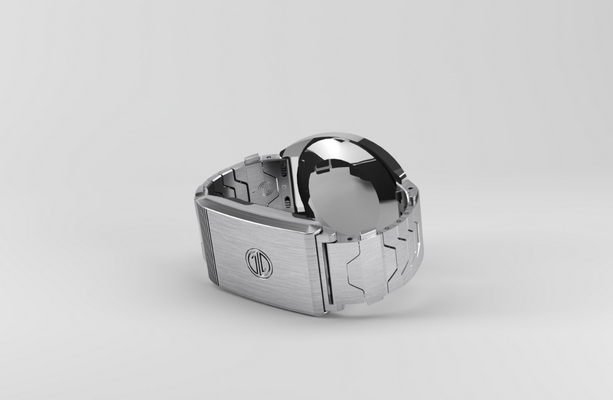
Yes. The Apple Watch and a Galaxy Watch both fit Smartlet One, on one strap: one on top of the wrist, the other underneath. The Apple Watch attaches with the Apple Watch adapters in the box; the Galaxy Watch with the standard smartwatch adapters in the box, or the Galaxy adapter provided at order from the Watch 8.
Apple Watch
Apple Watch adapters in the box
Galaxy Watch
Standard or Galaxy adapter
Adapters
One per device
Position
One on top, one underneath

Why cross-ecosystem users pair Apple Watch with Galaxy Watch

Living in two ecosystems is more common than people admit. An iPhone on one side, an Android phone on the other, and a watch for each.

Some test both, some are mid-switch. Smartlet keeps both on the same wrist on one strap instead of rotating two bands.

Can you wear an Apple Watch and a Galaxy Watch together on Smartlet?

Compatible
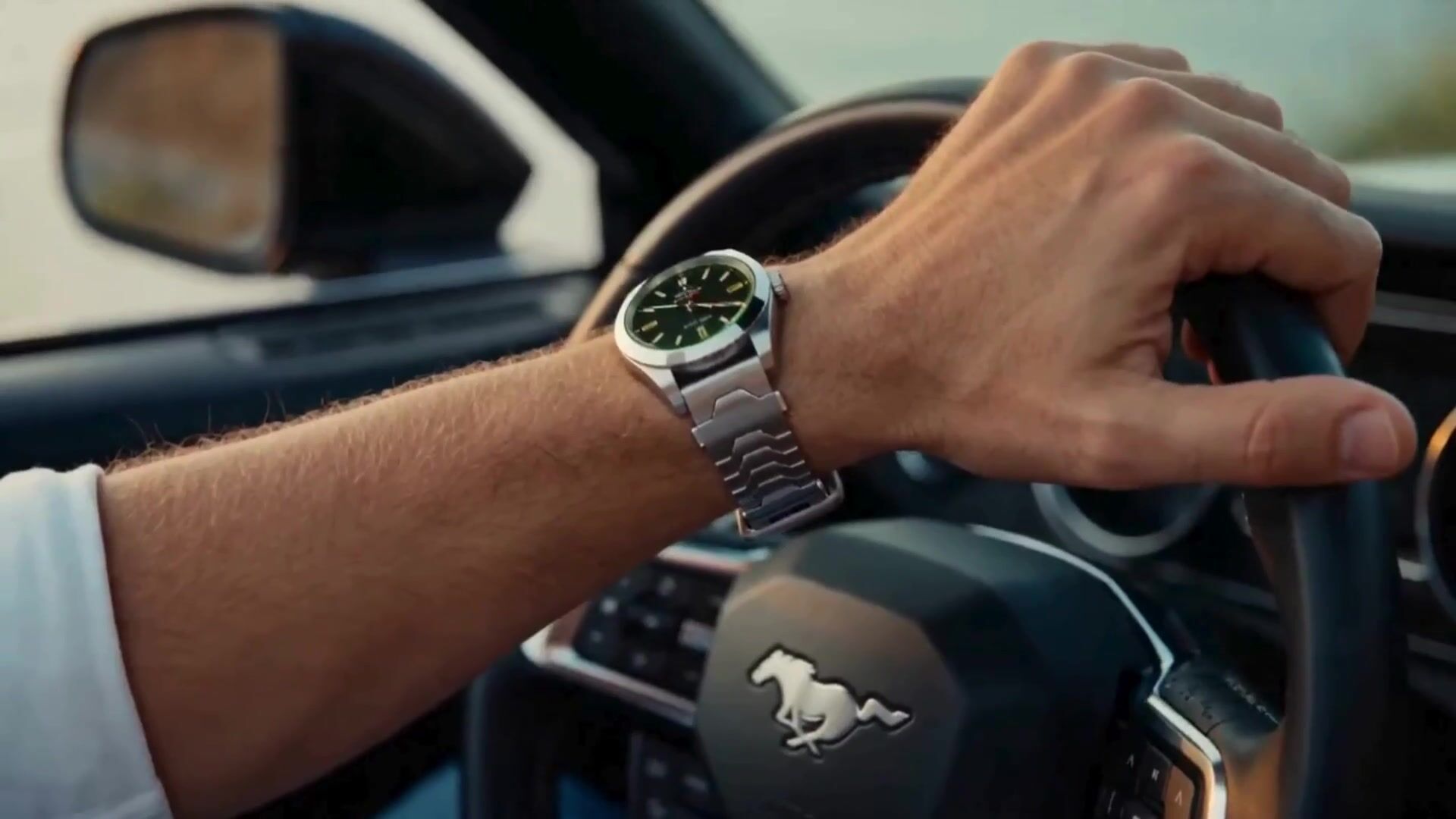
Yes. The Apple Watch and a Galaxy Watch both fit Smartlet One, on one strap: one on top of the wrist, the other underneath. The Apple Watch attaches with the Apple Watch adapters in the box; the Galaxy Watch with the standard smartwatch adapters in the box, or the Galaxy adapter provided at order from the Watch 8.
Apple Watch
Outer wrist
Apple Watch adapters in the box
Galaxy Watch
Inner wrist
Standard or Galaxy adapter
Sensors
Not certified in this position
By neither manufacturer
Reversible
Fully
No modification

Related compatibility guides

More ways to wear Smartlet

Choose your Smartlet

Step by step

Replace your strap
01

Replace your strap

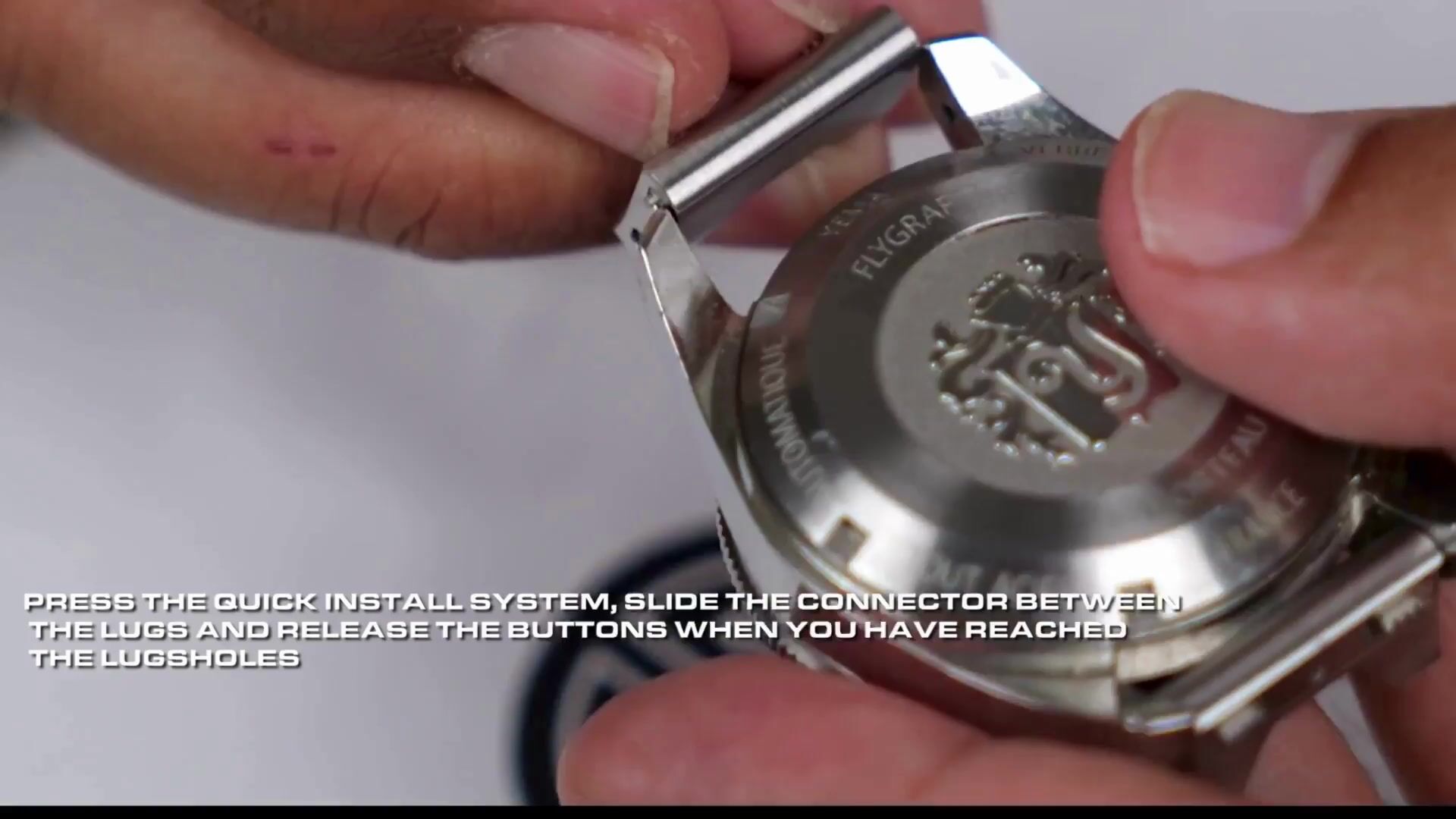
The watch adapters seat in your mechanical watch's lug holes in place of the spring bars. Classic, Shadow or Titanium. The spring bar tool is in the box.

Connect your wearable
02

Connect your wearable

Your smartwatch attaches to the central part of the bracelet with its own adapter (Apple Watch, Whoop, Fitbit, Galaxy or Pixel Watch) or a pair of standard watch adapters. Zero modification to the mechanical watch.

Wear both simultaneously
03

Wear both simultaneously

Both watches sit on the same wrist. The smartwatch sits underneath, against the skin; readings taken there are not certified by its manufacturer.

Questions

Frequently asked questions

  • Can I wear an Apple Watch and a Samsung Galaxy Watch together with Smartlet?
    Yes. Galaxy Watch 4 to 7 attach with the standard smartwatch adapters in the box. The Galaxy Watch 8, 8 Classic, 9, Ultra and Ultra 2 use the Galaxy adapter, provided when you select them at order. Both devices sit on one strap, each in its own position.
  • Which Samsung Galaxy Watch models are compatible?
    Galaxy Watch 4 to 7 attach with the standard smartwatch adapters in the box. The Galaxy Watch 8, 8 Classic, 9, Ultra and Ultra 2 use the Galaxy adapter, provided when you select them at order.
  • Do both watches keep full functionality on Smartlet?
    Yes. Each device sits in its own position and works as it would on its own strap.
  • Does Smartlet modify either watch?
    No. Mounting is reversible and leaves both watches unchanged.