Whoop & Fitbit Air on the same wrist

Whoop & Fitbit Air on the same wrist

The Whoop fits Smartlet One today, attaching with the Whoop 5.0 / MG adapter in the box. Fitbit Air support is coming soon, with a dedicated adapter. Once available, one strap carries both, one on top of the wrist and the other underneath. Whoop 4.0 is not supported.
Forbes · CNET
|
300+ clients
|
35+ countries
|
CES 2026 · Lépine 2025
|
Patented
Compatibility guide

Whoop & Fitbit Air on the same wrist

Fitbit Air + Whoop
The Whoop fits Smartlet One today, attaching with the Whoop 5.0 / MG adapter in the box. Fitbit Air support is coming soon, with a dedicated adapter. Once available, one strap carries both, one on top of the wrist and the other underneath. Whoop 4.0 is not supported.
Fitbit Air
Dedicated Fitbit Air adapter, coming soon
Whoop
5.0 and MG, not 4.0
Adapters
One per device
Position
One on top, one underneath

Why data-led trackers run Whoop and Fitbit Air together

Whoop reads recovery and strain and turns it into coaching. The Fitbit Air covers the broader daily picture inside the Fitbit app.

People who trust one for sleep and the other for activity, or who are comparing both before committing, end up wearing two bands. Smartlet carries both on a single wrist instead.

Can you wear a Whoop and a Fitbit Air together on Smartlet?

Compatible
The Whoop fits Smartlet One today, attaching with the Whoop 5.0 / MG adapter in the box. Fitbit Air support is coming soon, with a dedicated adapter. Once available, one strap carries both, one on top of the wrist and the other underneath. Whoop 4.0 is not supported.

Fitbit Air
One position
Dedicated Fitbit Air adapter, coming soon
Whoop 5.0 / MG
Other position
Whoop 5.0 / MG adapter included
Sensors
Not certified in this position
By neither manufacturer
Reversible
Fully
No modification

Related compatibility guides

More ways to wear Smartlet

Choose your Smartlet

Step by step

Replace your strap
01

Replace your strap

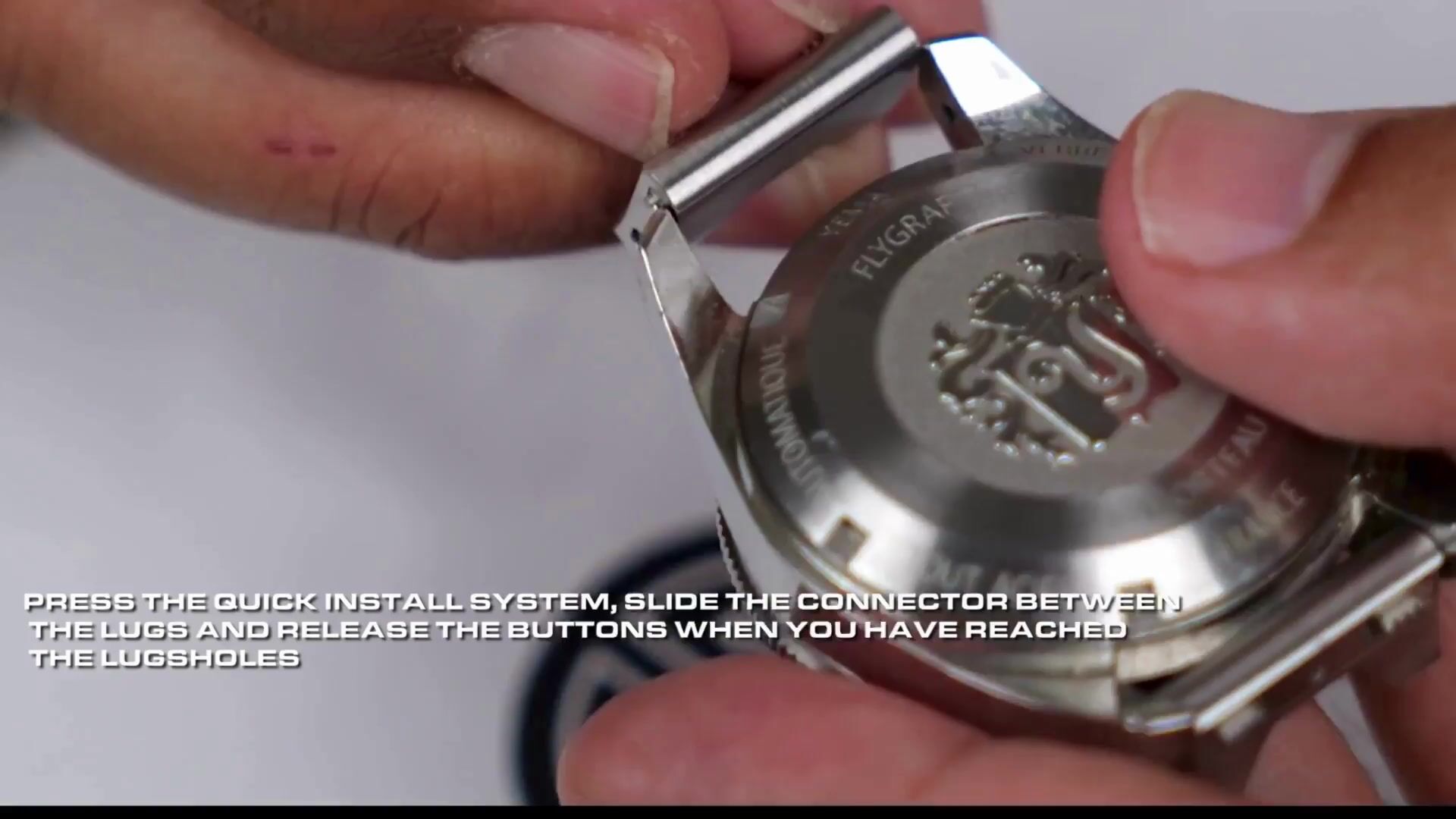
The watch adapters seat in your mechanical watch's lug holes in place of the spring bars. Classic, Shadow or Titanium. The spring bar tool is in the box.

Connect your wearable
02

Connect your wearable

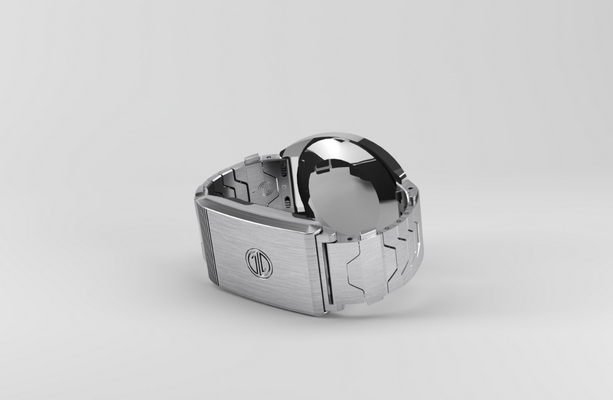
Your smartwatch attaches to the central part of the bracelet with its own adapter (Apple Watch, Whoop, Fitbit, Galaxy or Pixel Watch) or a pair of standard watch adapters. Zero modification to the mechanical watch.

Wear both simultaneously
03

Wear both simultaneously

Both watches sit on the same wrist. The smartwatch sits underneath, against the skin; readings taken there are not certified by its manufacturer.

Questions

Frequently asked questions

  • Can I wear a Whoop and a Fitbit Air together with Smartlet?
    Soon. The Whoop fits Smartlet One today; Fitbit Air support is coming soon, with a dedicated adapter. Once available, one strap carries both on a single wrist.
  • Which Whoop models work with Smartlet?
    Whoop 5.0 and Whoop MG are compatible. Whoop 4.0 is not supported.
  • Do both trackers keep accurate readings on Smartlet?
    Each device sits in its own position, one on top of the wrist and the other underneath, against the skin. Manufacturers do not certify readings taken in these positions: for a reading with medical weight, put the device back on its own band and follow the manufacturer's instructions.
  • Is Smartlet reversible?
    Yes. Remove either device and return to a single tracker any time.